Desolate Island - UE5
I'm excited to finally show off the work I did on Dagon, a project that I've been working on for the last 2 months with my Game Studio team. I was responsible for the vast majority of the first level. This was my first time working on a game with a team and it was one of the best experiences I could've asked for. We were given the opportunity to showcase Dagon at PAX East this year, which was super cool, and it was my first time attending a gaming/developer conference. I'm extremely proud of myself for not only taking on the big task of creating an entire environment but also overcoming all of the technical challenges that came along with it. Everything was rendered in-Engine.
-
I set out with the goal of pushing Unreal to its absolute limits and attempt to gain a deeper understanding of what today’s game environments could be. All assets, including the terrain, added up to a little over 16 trillion nanite triangles. At PAX East, we showcased the game on a laptop with a 3070 GPU and 16 GB of RAM. I managed to get Dagon to run at a consistent 50 FPS while using the Epic scalability settings, which targets 30 FPS on next-gen consoles.
-
The landscape was made in Houdini using Lidar Point Cloud Data (PCD) from the USGS Lidar Explorer map. I used Google Earth to scout potential locations as we planned on the first level having a volcano. Eventually, I found St. Helens, an active stratovolcano in Oregon. Then, I downloaded and imported each of the PCD tiles into Houdini.
-
Because I only wanted the terrain data from the Lidar PCD and each tile contained hundreds of millions of points, I had to reduce the total number of points for each tile so other objects, such as trees, were not included. I then merged all of the tiles into a heightfield and ran erosion simulations to get some of the detail back that had been lost from reducing points.
-
Afterward, I created Landscape Layer Masks using some of Houdini's tools that I could use later on for the Landscape Material in Unreal. Finally, I turned the Terrain into a Houdini Digital Asset, which allowed me to iterate extremely quickly.
-
For the landscape material, I created material functions to break up any tiling. I also used a function that would blend between texture sets based on the distance from the player's camera.
-
Runtime Virtual Textures were used to blend static meshes into the Landscape.
-
PCG was used to procedurally place assets using the built-in density attribute. I also sampled the landscape layer masks as attributes that could determine the density of those masked areas.
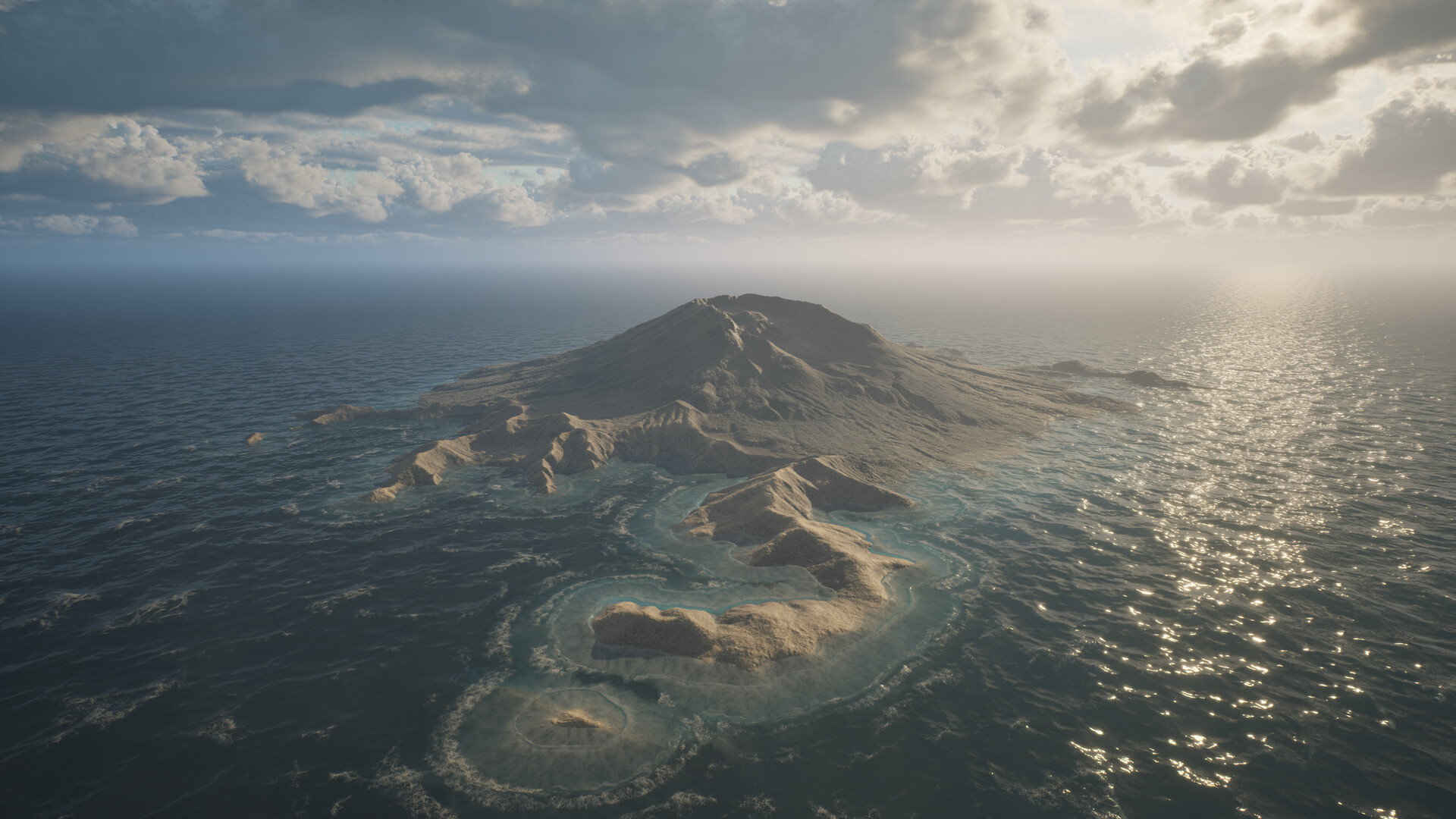
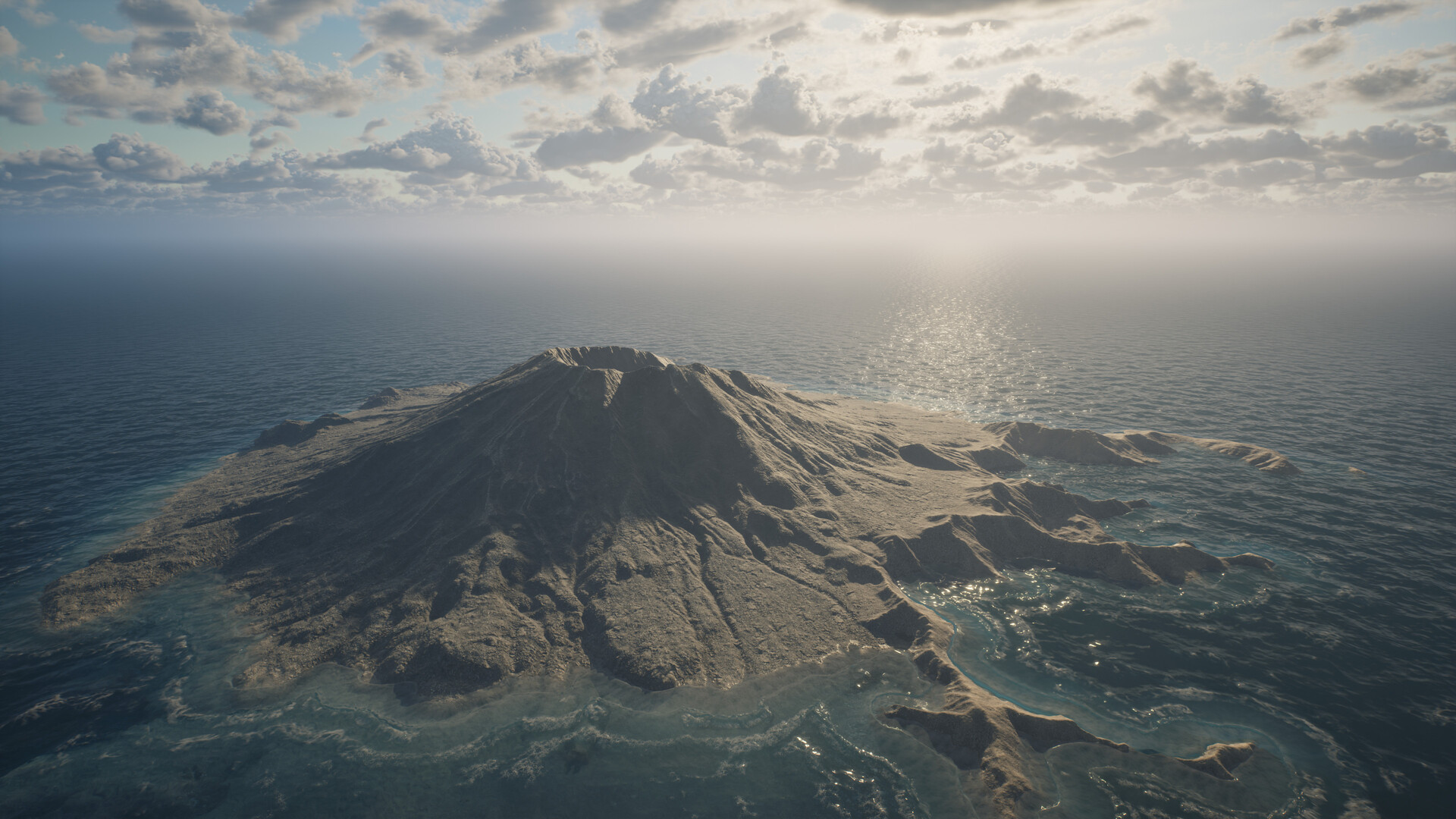
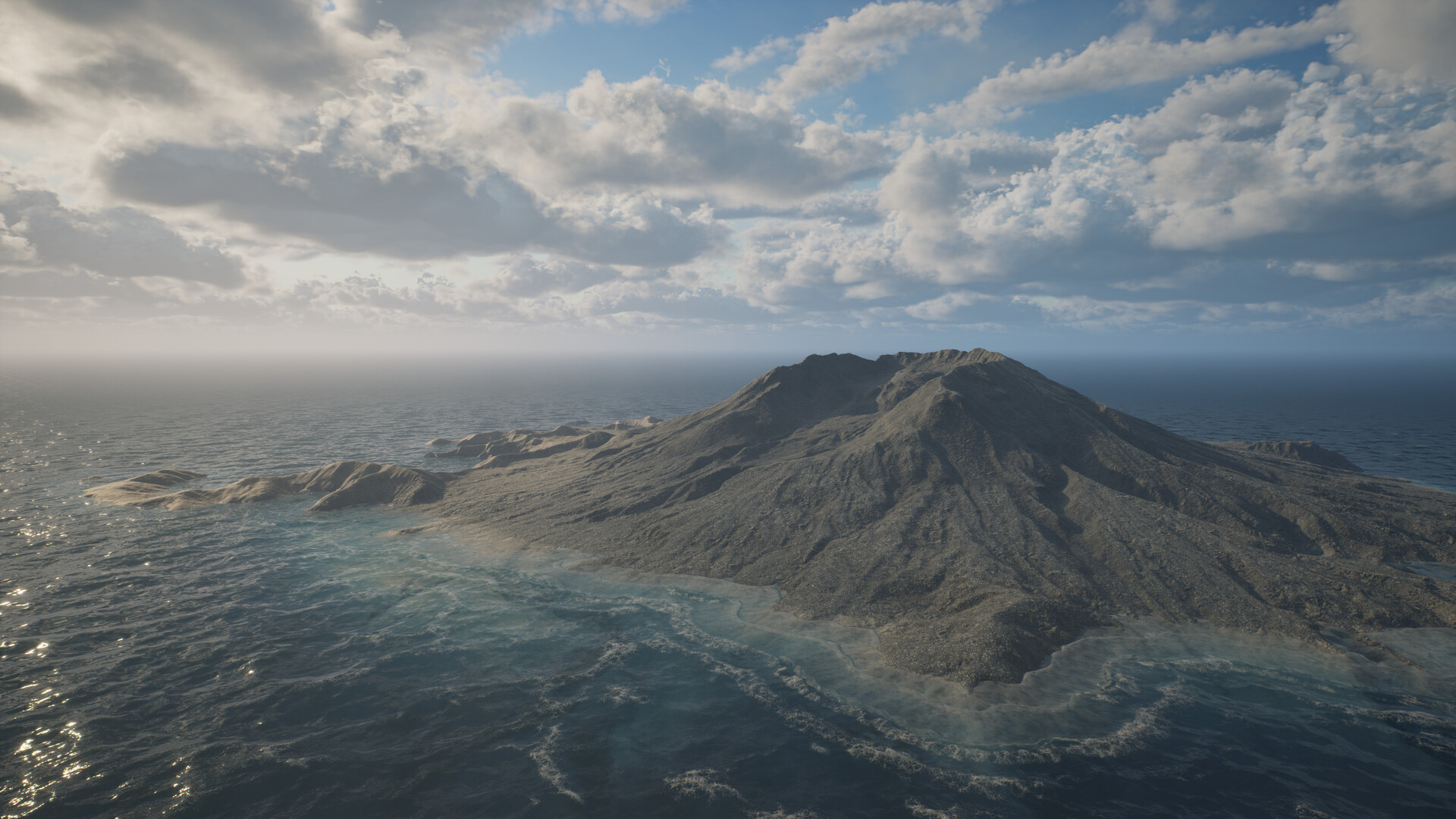

Shoreline - initial spawn area.
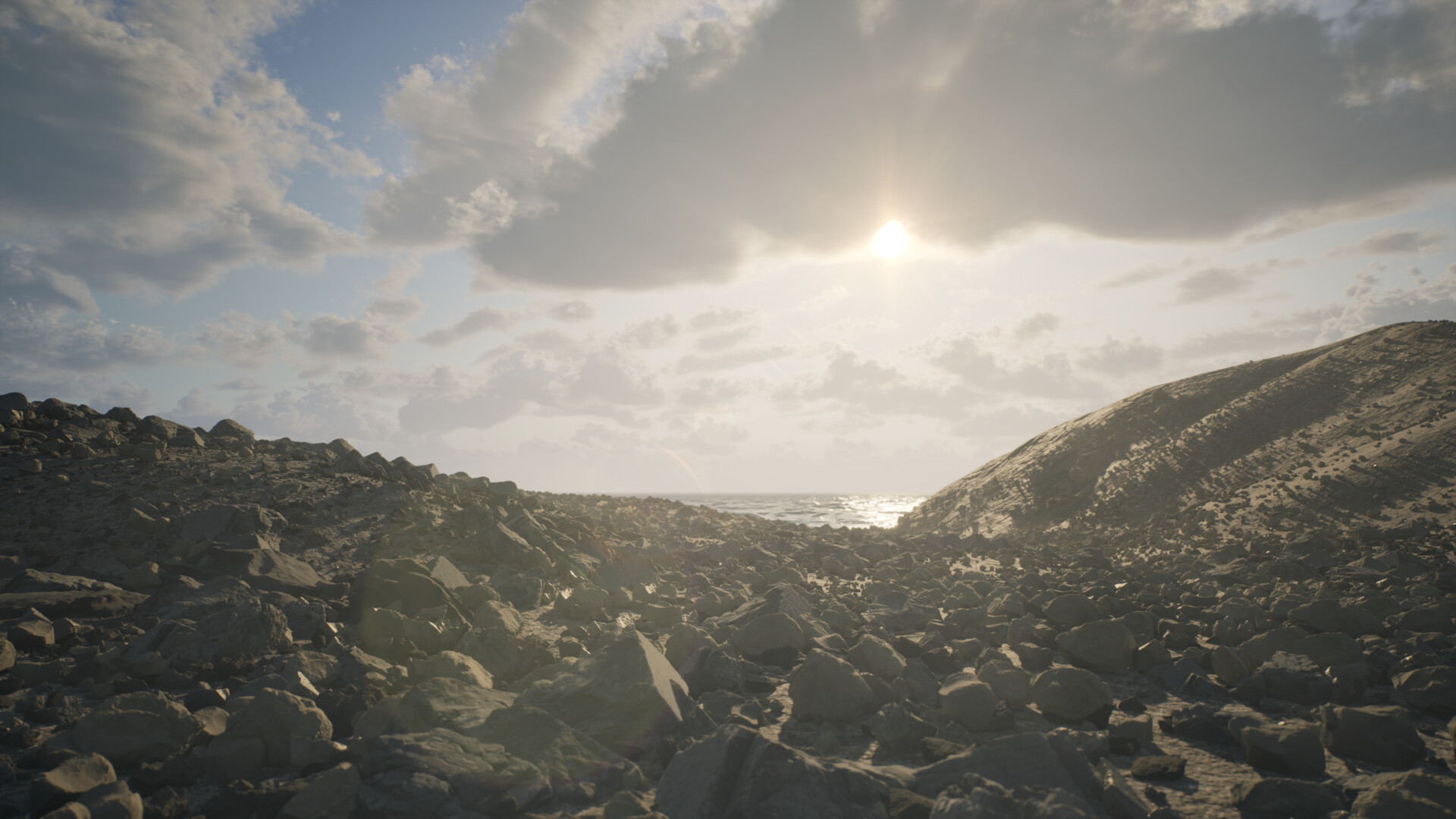

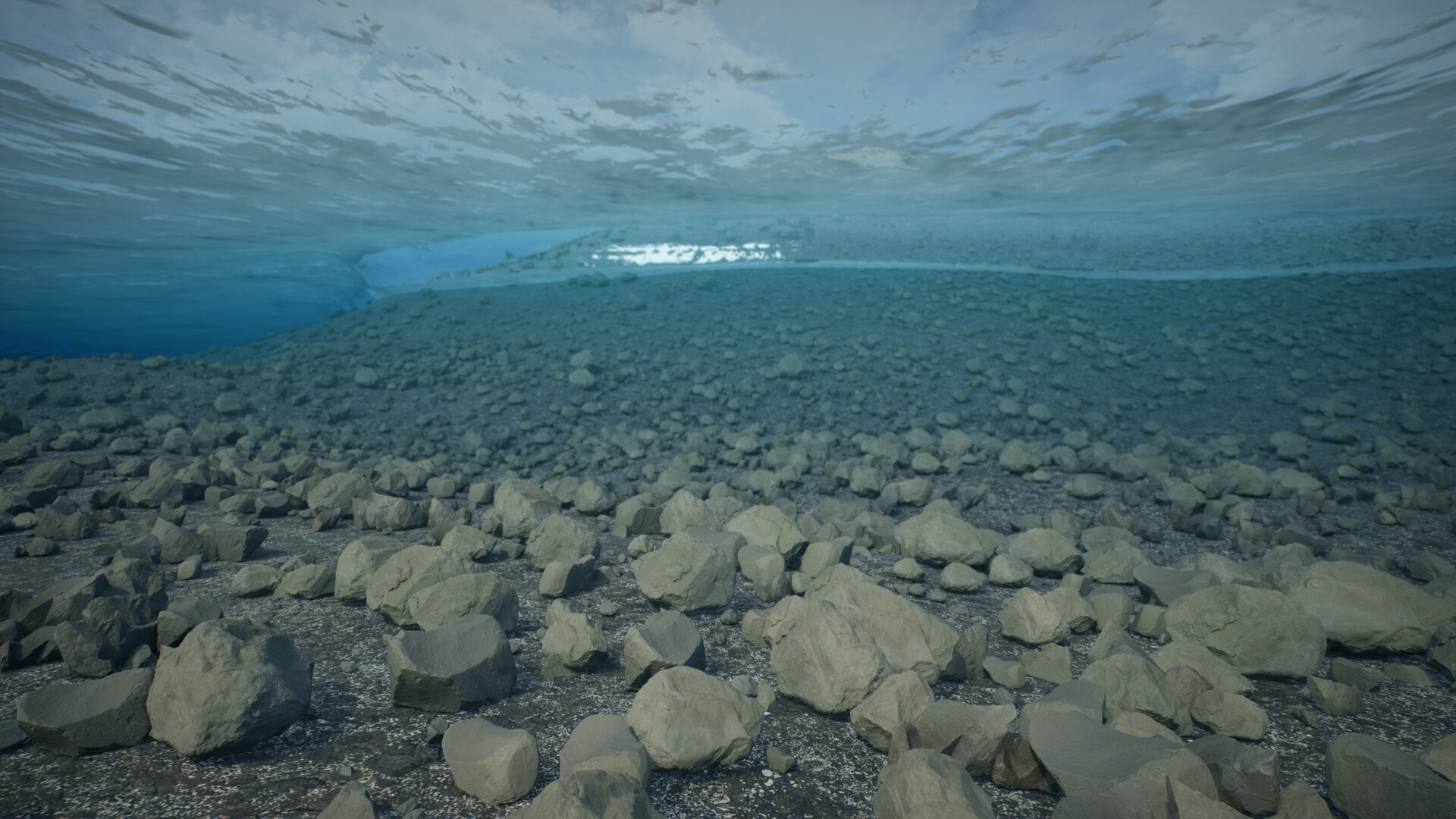
Short clip of the shoreline area.
In Game Loading Screen 1.
In-Game Loading Screen 2.

GIF of creating the Landscape Layer Masks in Houdini.

Early Terrain Iterations.

Lidar PCD Implementation.
I've since discovered a much more efficient way of handling this much data via TOPS which I will showcase in my next big project.

PCG - Using the layer masks to determine density values.